Edits app for PC and Mac: Instagram’s editor is Mac-only for now
Instagram launched a free Edits app for Mac on 5 November 2026 with 4K export and MCP for AI agents. There is no Windows PC version yet. Here's how to get it.
 Ishaan Vardhan6 Nov 2026 · 11 min read
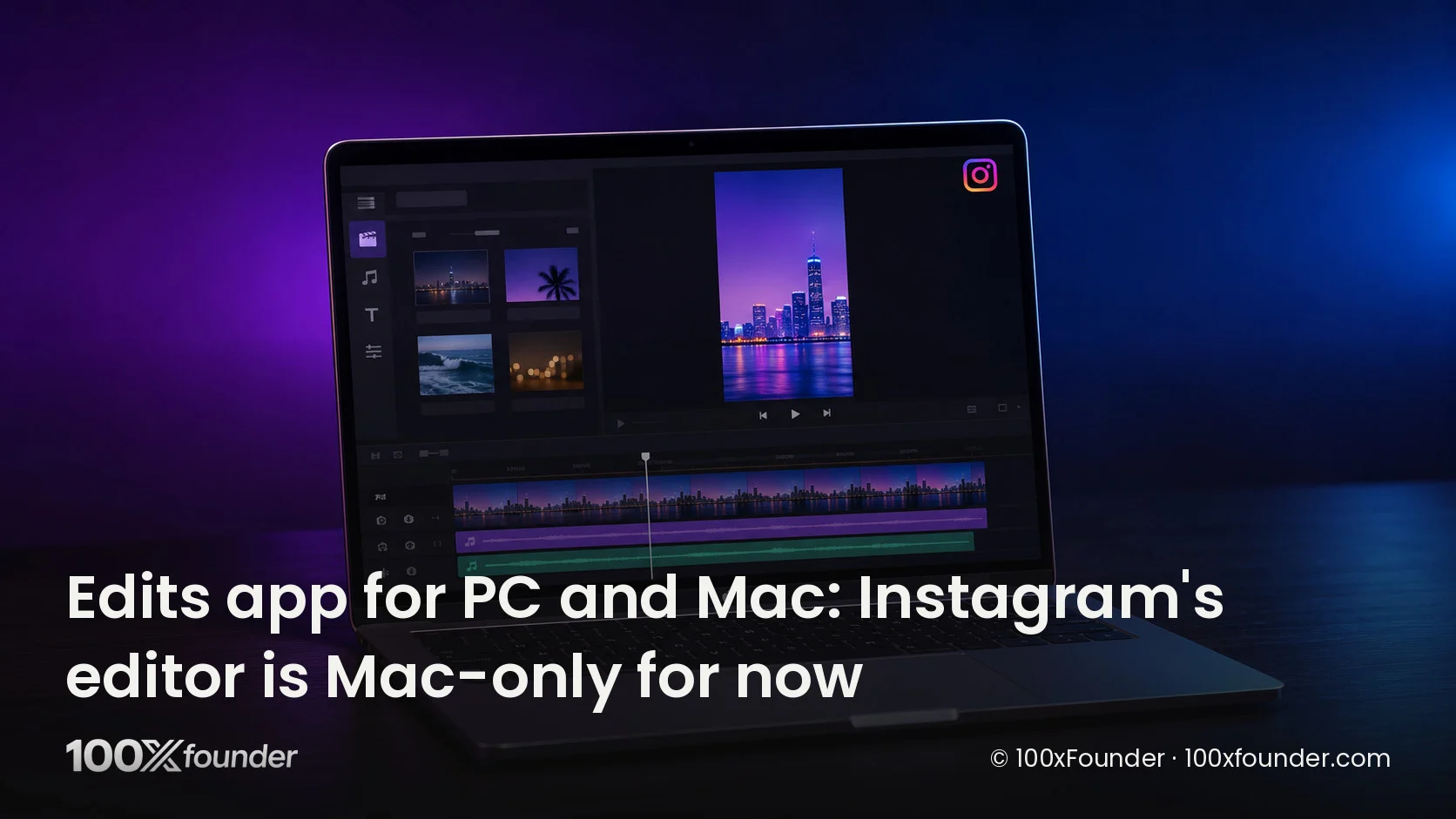
Instagram’s Edits app is now on desktop: Instagram released a free Edits for Mac app on Thursday, 5 November 2026, with a multi-track timeline, colour grading, 4K exports without a watermark and direct publishing to Instagram. There is no Edits app for PC yet; Instagram’s own download page says Edits on desktop runs only on macOS, on Macs with Apple silicon (M1 or later).
For creators and founders who cut Reels, the Mac app moves longer, more complex edits off the phone. It also ships with a Model Context Protocol (MCP) option, so AI agents can work inside the editor, which is the newest part of the launch.
Key takeaways
- Edits for Mac launched on 5 November 2026 as a free download from Instagram’s Edits website, according to the company’s announcement.
- Windows is not supported: the official FAQ says Edits on desktop is available only on macOS, and it needs an Apple silicon Mac (M1 or later).
- Desktop adds a multi-track timeline, keyframes, audio waveforms, colour wheels and curves, custom LUT and font imports, and 4K export with no watermark.
- You can enable MCP in the app’s settings so AI agents can help with projects, but Meta has not published step-by-step setup docs.
- Editing one project across phone and Mac is not available yet; Instagram says it is building it.
The button above goes to Instagram’s official Edits desktop page. There is no official Windows download, so we have not linked one.
What launched: Edits for Mac on 5 November 2026
Edits for Mac is the first desktop version of Instagram’s Edits video editor, announced on 5 November 2026 in a post titled “Edits on desktop is here” by Brett Westervelt, who leads the Edits app, on the Edits blog. The post says the desktop editor is meant for bigger projects that benefit from a larger screen, a mouse and a keyboard, and that the Mac app will get weekly updates, as the phone app does.
Edits started as a phone app. It launched on iOS and Android in April 2025, according to Business Today, as Meta’s answer to ByteDance’s CapCut. Mark Zuckerberg said on Meta’s most recent earnings call that Edits has more than 50 million active users, according to Engadget; TechCrunch describes the same figure as more than 50 million creators.
The timing matters for anyone who edits Reels for a brand. TechCrunch points out that CapCut has offered desktop editing on Windows and Mac since 2021, so Edits on Mac closes part of that gap, though not the Windows half.
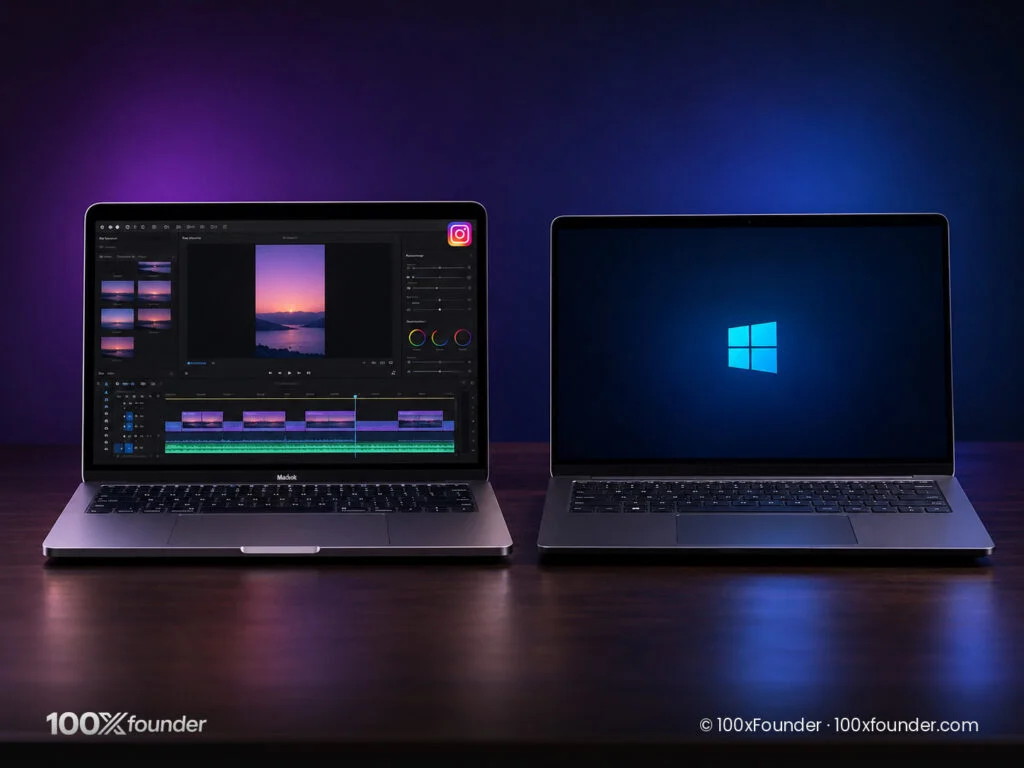
Is Edits available for PC or Windows?
Edits is not available for Windows PCs as of 6 November 2026. The FAQ on Instagram’s Edits desktop page answers the question directly: Edits on desktop is only available on macOS. Neither the official announcement nor the coverage in TechCrunch, Engadget, 9to5Mac or Social Media Today mentions a Windows release date.
That means any “Edits for PC” or “Edits for Windows” installer you find on a third-party website is not from Instagram. Some sites suggest running the Android app through an emulator on a PC; that is an unofficial workaround, not a desktop version, and you would be installing software Instagram does not distribute. If you edit on Windows, keep using the phone app for now and watch the Edits blog for a Windows announcement.
How to download Edits on Mac and make your first edit
Edits for Mac installs from a .dmg file on Instagram’s Edits desktop page, not from the Mac App Store listing; the page’s “Get Edits for Mac” button downloads the installer. These steps follow the official desktop page and announcement.
System requirements
- A Mac with Apple silicon (M1 or later), according to the Edits desktop page. Intel Macs are not supported.
- macOS. Instagram does not list a minimum macOS version.
- An Instagram account. The FAQ says signing in keeps your projects with you and lets you share without leaving the app.
- Price: free to download.
Install Edits on macOS
- Open edits.instagram.com/desktop in a browser on your Mac (the download button near the top of this article goes there).
- Click “Get Edits for Mac” to download the .dmg installer.
- Open the downloaded file and follow the on-screen prompts to install Edits, then open it from your Applications folder.
- Sign in with your Instagram account. Your saved audio and text styles from the phone app carry over, according to the announcement.
Make your first edit
- Start a new project and pick an aspect ratio: vertical for Reels or horizontal for longer video. The desktop page says both are supported.
- Import your clips and arrange them on the multi-track timeline; split, cut and trim them there.
- Add music from Instagram’s licensed, royalty-free audio library, and use the audio waveforms to line cuts up with the beat.
- Turn on automatic captions, which are unlimited and support multiple languages, according to the Edits blog.
- Grade the footage with colour wheels and curves, or import your own LUT.
- Export in up to 4K with no watermark, or publish straight to Instagram with tagging, location and trial reels.
Instagram says you can also set your own keyboard shortcuts or import them from other editing software, according to TechCrunch.
Desktop features compared with the Edits phone app
Edits for Mac keeps the phone app’s library and adds pro-style timeline and colour tools. The FAQ says the interface is similar to mobile, with more room and power for complex edits plus some features that are new on desktop. The table sums up what Instagram has published.
Edits for Mac at launch. Source: Instagram’s Edits desktop page and announcement, 5 November 2026.
| Feature | Edits for Mac |
|---|---|
| Price | Free |
| Platforms | macOS on Apple silicon (M1 or later); no Windows |
| Timeline | Multi-track, with keyframes and audio waveforms |
| Colour | Colour wheels, curves, log conversion, custom LUT import |
| Text and audio | Custom font import; licensed audio library; unlimited auto captions |
| Export | Up to 4K, no watermark, horizontal or vertical |
| Publishing | Direct to Instagram with tagging, location and trial reels |
| AI agents | MCP can be enabled in settings |
| Phone-to-Mac editing of one project | Not yet; in development |
How Edits compares with CapCut desktop
CapCut, ByteDance’s editor, has run on both Windows and Mac since 2021, according to TechCrunch, while Edits now covers only the Mac. On features, Instagram has pitched desktop Edits on the same points creators use CapCut for: a timeline, effects, captions and music. Its own advantage is the direct link to Instagram, including trial reels and licensed audio, without exporting a file and uploading it again.
We have not compared pricing or export limits against CapCut’s current plans, because those change often and should be checked on CapCut’s own pricing page before you switch tools. If you are still choosing a tool for AI-generated footage rather than editing, see our guide to the best AI video generators.
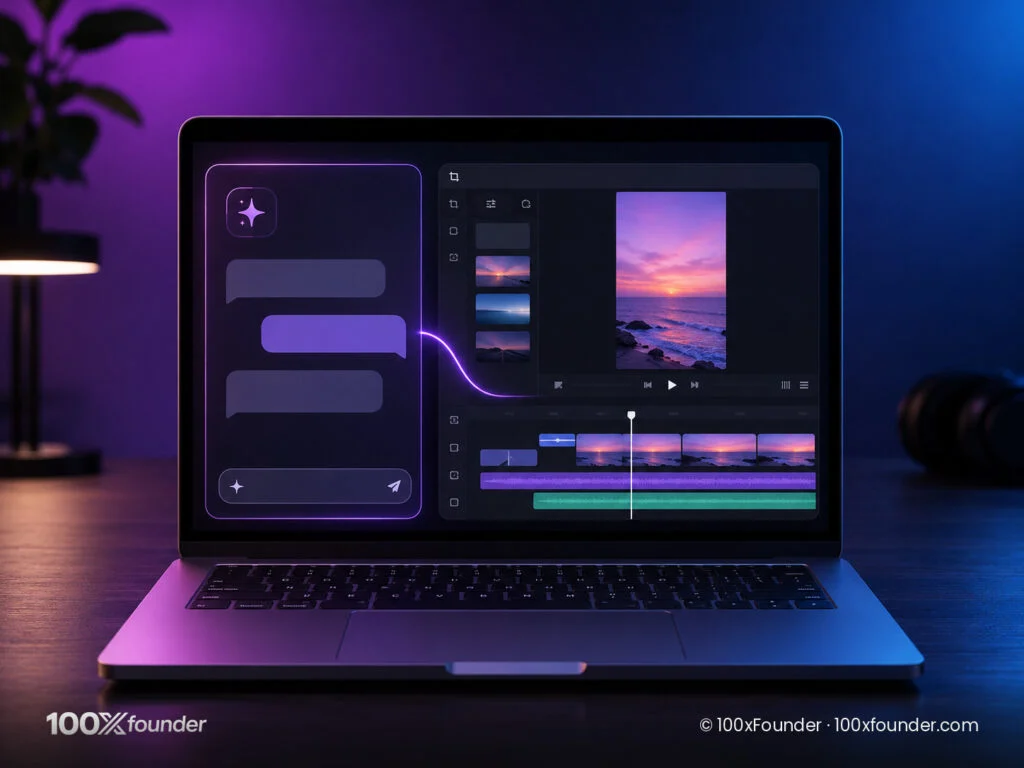
Using Edits with MCP, Claude and other AI assistants
Edits for Mac supports the Model Context Protocol, so an AI agent you already use can connect to the desktop editor and help with a project. The Edits blog says agent users can connect them to the desktop editor through MCP, and Westervelt wrote that you enable MCP in the app’s settings, according to Social Media Today.
MCP is an open-source standard for connecting AI applications to outside tools and data, according to the protocol’s own documentation at modelcontextprotocol.io. The docs list Claude, ChatGPT, Visual Studio Code and Cursor among the clients that support it. Our MCP explainer covers how it works.
What Meta has and has not documented
Meta has confirmed that MCP exists and is switched on in settings. It has not published a help page that names the supported clients or gives the server address, the config file entries or the permissions involved. Matthew Simari, who leads product management for Edits, said the desktop app supports any agent, including Meta’s own Muse, according to Android Headlines citing The Verge. His example: ask the agent to build a rough cut from a video in your Downloads folder, then open that project in Edits and keep editing by hand. Simari’s comments are the company’s description; we have not tested agent editing ourselves.
How to connect an MCP client to Edits
Because Meta has not published the connection details, these steps cover only what is documented: the Edits setting, plus each assistant’s own documented way of adding an MCP server.
- Open Edits on your Mac, sign in, and enable MCP in the app’s settings.
- Use the connection details Edits shows you there. Do not copy a config from an unofficial guide; Meta has not published one.
- Claude Desktop: local MCP servers are added in Settings, Developer, Edit Config, which opens claude_desktop_config.json; quit and restart Claude afterwards, according to the MCP documentation.
- Claude Code: add a server with the claude mcp add command (with –transport http for a server URL), then run /mcp in a session to check it is connected, according to Anthropic’s Claude Code docs.
- ChatGPT and Cursor: both support MCP, according to modelcontextprotocol.io; follow each product’s own MCP setup page with the details Edits gives you.
- Ask the assistant to list the Edits tools it can see before you ask it to change a project, and keep a copy of your source footage.
An agent connected over MCP acts with the permissions you give it. The MCP documentation says Claude Desktop asks for approval before tool actions; review each one, especially anything that deletes or publishes.
What it means for Indian creators and founders
For Indian creators and founders, Edits for Mac is a free, Instagram-native editor for longer Reels, product demos and founder videos, but only if the team edits on an Apple silicon Mac. Many Indian creators and small teams work on Windows laptops, and they get nothing new from this launch yet.
Meta has been courting Indian Edits users directly. In August 2026 it opened the Edits Film Festival for Indian creators, with entries made entirely in Edits accepted from 24 August to 8 October 2026, according to Meta’s newsroom. A desktop app gives those creators room for multi-camera interviews and longer cuts without a paid editor.
For startups, the practical win is speed: a marketing hire can cut a launch video, caption it in several languages and publish it to Instagram from one Mac app. The MCP option also lets teams that already use Claude or another assistant hand off rough cuts. If you are hiring for video or social roles, our jobs board lists openings from official company career pages, and new tools are tracked on our launches page.
Limitations to know before you switch
Edits for Mac is a first version with clear gaps, and Instagram says more is coming in weekly updates.
- No Windows app. The official FAQ says desktop is macOS only, and no Windows date has been announced.
- No Intel Macs. You need Apple silicon, M1 or later.
- No cross-device projects yet. Editing one project on phone and Mac is in development, according to the Edits blog.
- Instagram account required. You sign in with Instagram to use it.
- MCP setup is thinly documented. Meta has not published client-by-client instructions.
Why it matters
Edits on Mac turns Instagram’s phone editor into a real desktop tool at no cost, which puts pressure on CapCut and paid editors for Reels-first creators. The MCP option is the bigger signal: Meta is building its editor for a future where an assistant does the first cut and a person finishes it. Windows users will have to wait.
FAQ
Is Edits available for PC?
No. As of 6 November 2026, Instagram’s Edits desktop page says Edits on desktop is available only on macOS. There is no official Windows version and no announced release date. Third-party “Edits for PC” installers are not from Instagram, and running the Android app in an emulator is an unofficial workaround rather than a desktop version.
Is Edits free on Mac?
Yes. Edits for Mac is a free download from Instagram’s Edits desktop page, according to the page’s FAQ, and exports in up to 4K carry no watermark. You need an Instagram account to sign in and a Mac with Apple silicon (M1 or later). Instagram has not announced any paid tier for the desktop app.
How do I download Edits on Windows?
You can’t yet. Instagram has released Edits on desktop only for macOS, according to its official FAQ. On a Windows PC, the safe option today is to keep editing in the Edits phone app on iOS or Android and avoid unofficial installers. Watch the Edits blog for any Windows announcement.
Can I use Claude or ChatGPT to edit videos in Edits?
Edits for Mac lets you enable MCP in settings so AI agents can connect and help with projects, according to Instagram. Claude and ChatGPT both support MCP, but Meta has not published client-specific setup steps, so use the connection details shown in the Edits app and each assistant’s own MCP setup instructions.
Can I edit the same project on my phone and Mac?
Not yet. Instagram says it is building the ability to work on one project across desktop and mobile. For now, your saved audio and text styles carry over when you sign in on the Mac, but projects do not move between devices.
For more launches like this, see our news section.
Sources
- Edits (Instagram), “Edits on desktop is here”, 5 November 2026
- Edits (Instagram), “Edits for desktop” download page and FAQ, accessed 6 November 2026
- TechCrunch, “Instagram brings Edits to desktop to take on CapCut”, 5 November 2026
- Engadget, “Instagram’s Edits is now on desktop as a Mac app”, 5 November 2026
- Social Media Today, “Edits launches for MacOS”, 5 November 2026
- 9to5Mac, “Instagram launches Edits for Mac with multi-track video editing and 4K exports”, 5 November 2026
- Android Headlines, “Instagram Edits Arrives on Mac With AI Agent Support & 4K Exports”, 5 November 2026
- Business Today, “Instagram launches Edits app, promises more AI tools and creator-focused features”, 23 April 2025
- Meta Newsroom, “Introducing the Edits Film Festival to spotlight India’s emerging creator talent”, 24 August 2026
- Model Context Protocol, “What is the Model Context Protocol (MCP)?”, accessed 6 November 2026
- Model Context Protocol, “Connect to local MCP servers”, accessed 6 November 2026
- Anthropic, “Connect Claude Code to tools via MCP”, accessed 6 November 2026
Related stories


Sources (12)
- Edits (Instagram) 5 Nov 2026Edits on desktop launched for macOS; features; MCP for agents; weekly updates; cross-device editing in development
- Edits (Instagram) 6 Nov 2026macOS only, Apple silicon M1 or later, free, Instagram sign-in, 4K no watermark, .dmg download
- TechCrunch 5 Nov 2026CapCut on Windows and Mac since 2021; 50M+ creators; keyboard shortcuts import
- Engadget 5 Nov 2026Zuckerberg: Edits has more than 50 million active users
- Social Media Today 5 Nov 2026Westervelt: enable MCP in settings
- 9to5Mac 5 Nov 2026Mac launch features, 4K export, trial reels
- Android Headlines 5 Nov 2026Simari (citing The Verge): any agent incl. Meta's Muse; rough-cut example
- Business Today 23 Apr 2025Edits launched on iOS and Android in April 2025
- Meta Newsroom 24 Aug 2026Edits Film Festival for Indian creators, 24 Aug to 8 Oct 2026
- Model Context Protocol 6 Nov 2026MCP definition; Claude, ChatGPT, VS Code, Cursor support it
- Model Context Protocol 6 Nov 2026Claude Desktop Settings > Developer > Edit Config; restart; approvals
- Anthropic 6 Nov 2026claude mcp add --transport http; /mcp